Features
Gplex Extended covers far more than the Google home page. Each product has its own switch in Gplex's settings (google.com/gplex), so you can leave any of them as Google has it today.
Google Search
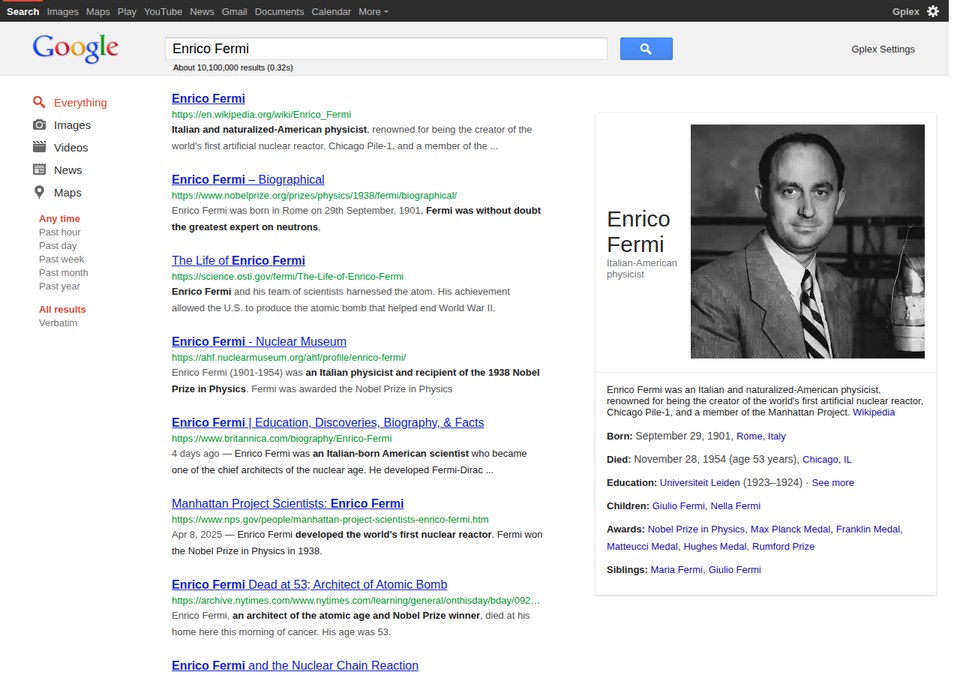 Late 2011-Early 2012 | 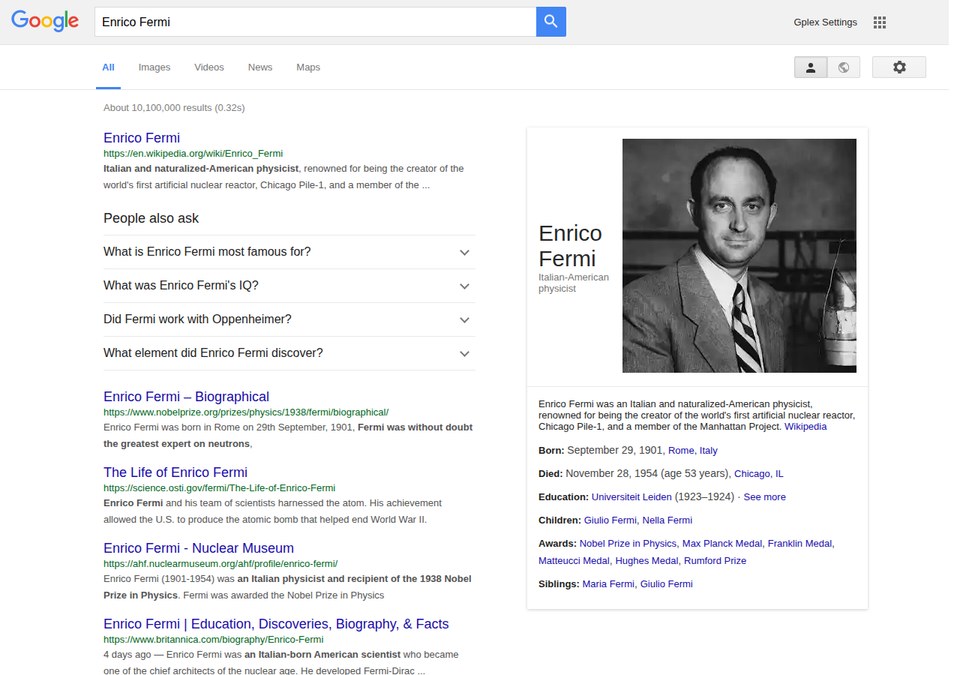 2016, with People also ask |
The home page, results, Images, Videos and News in each period's look, with the period's navigation bar, footer and tab icon. Knowledge panels (from 2012) and People also ask (from late 2015) are drawn the way they looked. People also ask shows a quoted answer and its page, never an AI-written one. Advanced Search and Search settings pages are themed too. |
Gmail
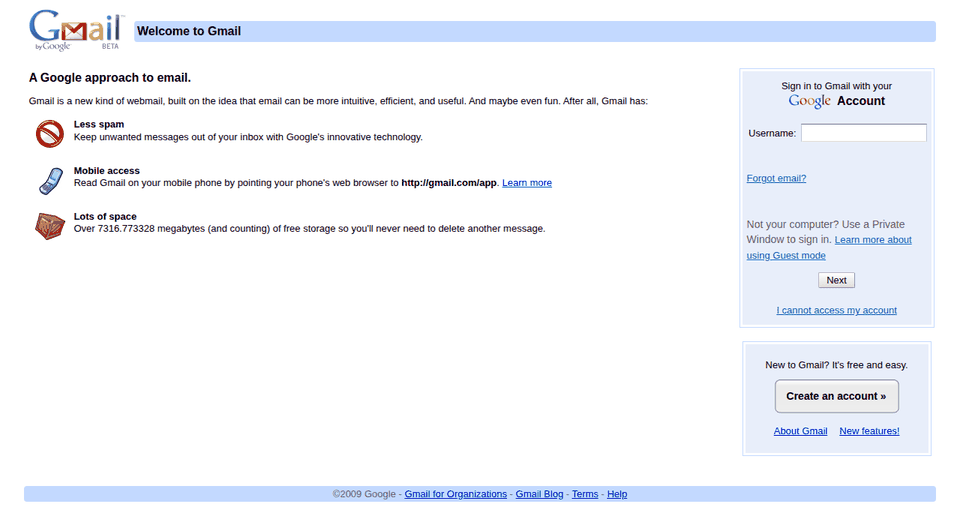 Gmail signed out, Late 2008-2009 | 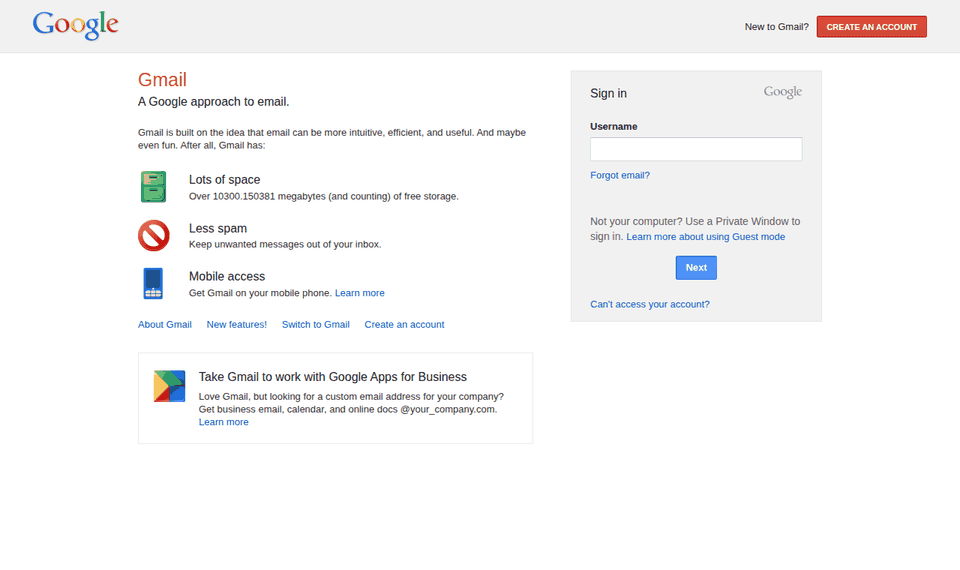 Gmail signed out, Late 2012-2013 |
The inbox in each period's look. Signed out, Gmail's own page comes back: "Welcome to Gmail" around the sign-in box up to 2013 (with the famous storage counter ticking the way it did), and Gmail's about page from 2014. |
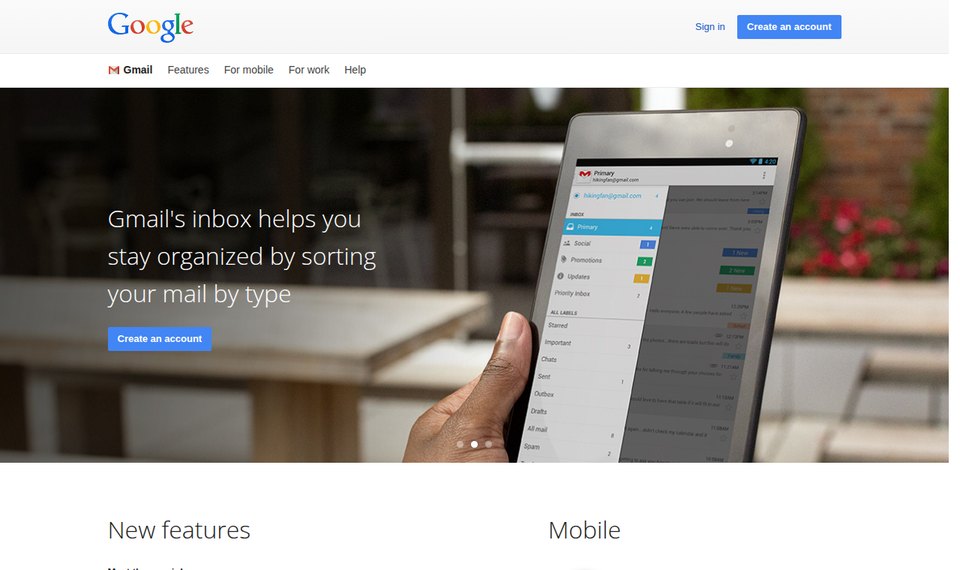 Gmail's about page, 2014-2015 | 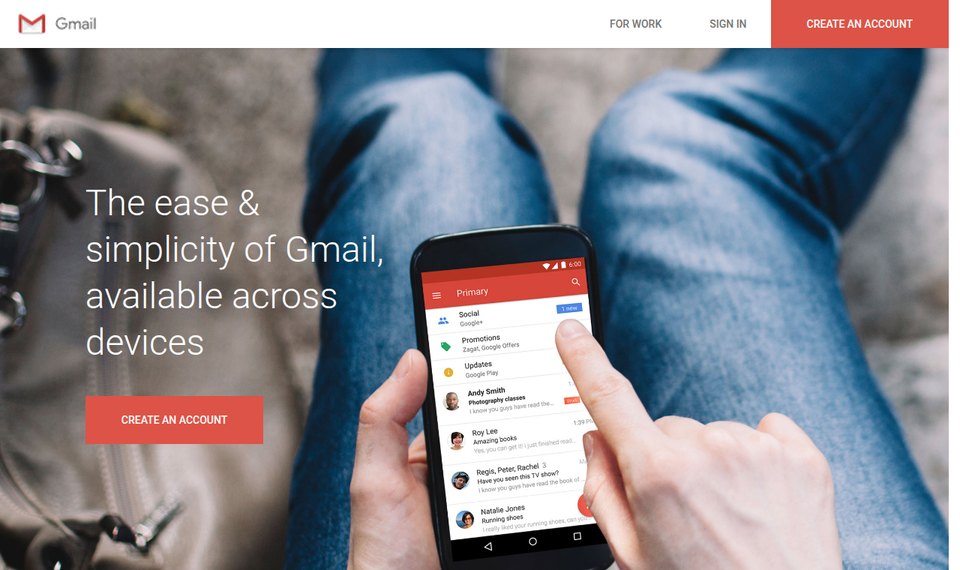 Gmail's about page, 2016-2018 |
Error pages
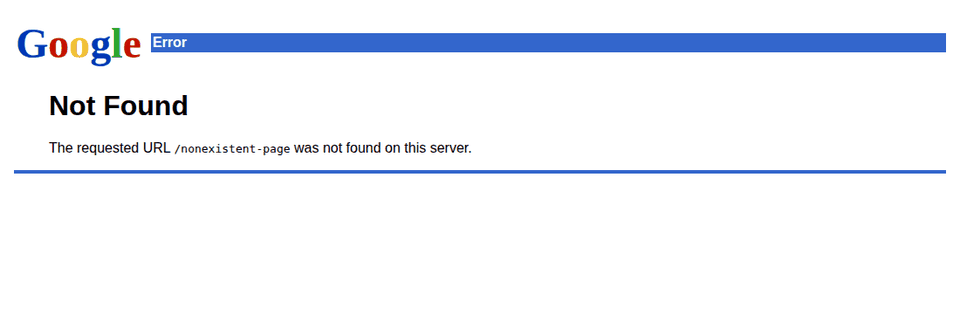 Error page, before 2010 | 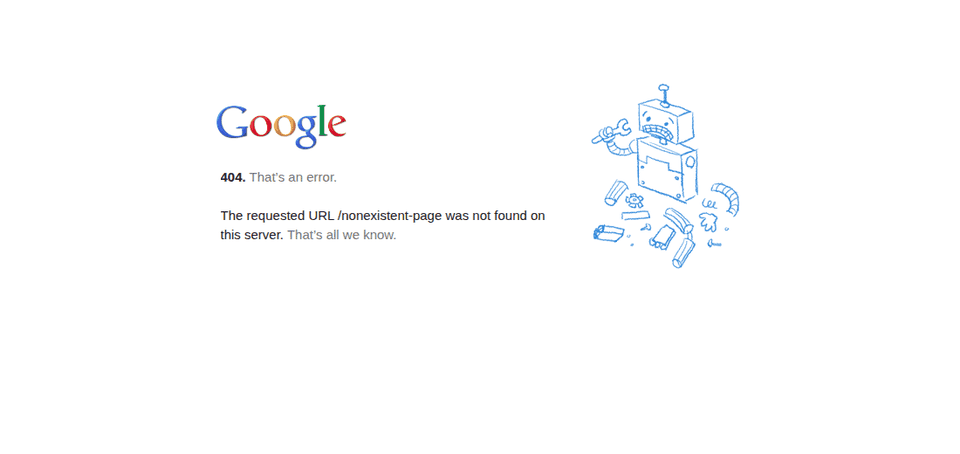 Error page, 2011-2013 |
Even a missing page looks right: the plain blue "Error" page Google served before 2010, then the broken robot with the logo of the day. |
Everything else
| Product | What Gplex does |
|---|---|
| Google Maps | Each period's Maps, including the map colours (the 2015 map, the lighter map of July 2016) and side menu. |
| Google Calendar | The calendar in the period's look. |
| Google News, Translate | Both themed to match the layout. |
| Docs, Sheets, Slides, Forms | The editors and their home pages in the period's look. |
| Google Drive, Photos | Drive's file list and viewer, and Photos, in the period's look. |
| Google Keep | Keep in the period's look. |
| Sign-in and sign-up | Google Accounts from the blue box of 2005 to the Material card, restyled only: nothing you type is read. |
| Google Account | The account and security pages, with period buttons, tick boxes, switches and menus, and Google's AI prompts removed. |
| Old browsers | Gplex Legacy: the same Gplex for Firefox 52 era browsers, on the lighter pages Google sends them. |
| Apps menu | The "nine dots" menu with the period's product icons, going straight to each product. |